
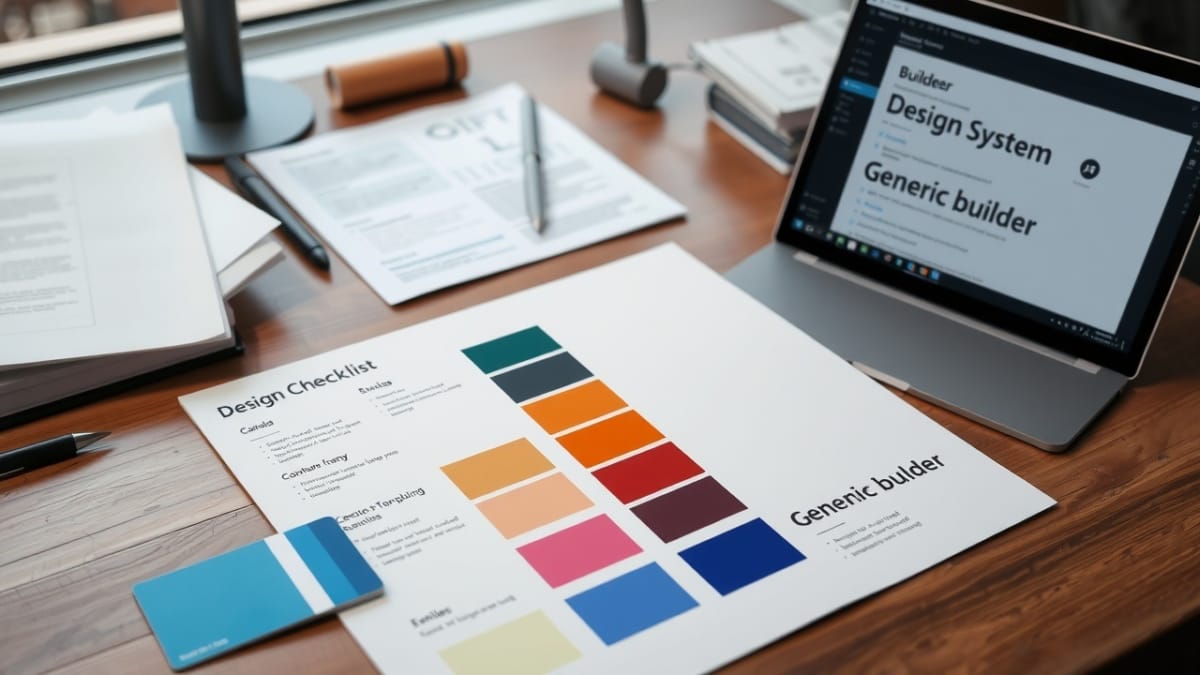
This checklist defines the Global Styles system used by Bricks Builder. It establishes how typography, colors, spacing, and container rules are handled globally before any templates, components, or layout work begins.
Even if Global Styles are used minimally or deferred, the system must be explicitly defined so downstream work does not rely on ad‑hoc or page‑level styling.
Checklist Objective
Define and lock the Global Styles system so styling decisions are consistent, reusable, and predictable across templates and components.
Preconditions
- Bricks — Breakpoints Definition Checklist is completed and approved
- Bricks Builder parent theme is installed and licensed
- Bricks child theme is active
- No templates or components rely on Global Styles yet
Checklist Steps — Global Styles System
1. Decide Global Styles usage level
- Determine how Global Styles will be used on this site:
- Fully used (primary styling system)
- Minimally used (limited globals only)
- Deferred (defined but not actively populated)
- Document the chosen approach explicitly
2. Open Global Styles configuration
- Navigate to Bricks → Global Styles
- Confirm no existing styles are defined
3. Configure typography globals (if used)
- If typography globals are part of the chosen approach:
- Define base font families intentionally
- Define default font sizes and line heights
- Avoid page‑level or element‑level font overrides
- If typography globals are deferred, leave defaults unchanged
4. Configure color globals (if used)
- If color globals are part of the chosen approach:
- Define global color tokens intentionally
- Use semantic naming rather than visual naming
- Avoid hard‑coding colors in templates or components
- If color globals are deferred, do not add placeholder values
5. Configure spacing and container rules (if used)
- If spacing or container globals are required:
- Define spacing scales intentionally
- Define container widths and constraints clearly
- Confirm alignment with breakpoint strategy
- If deferred, confirm no implicit assumptions are introduced
6. Validate Global Styles scope
- Confirm Global Styles apply site‑wide as intended
- Confirm no templates or components depend on undefined globals
- Confirm no duplicate or overlapping definitions exist
7. Lock the Global Styles system
- Treat the Global Styles structure as immutable after approval
- Do not redefine Global Styles during template or component work
- Any changes require documented justification
Required Output
- Global Styles usage approach explicitly defined
- Global Styles structure configured or intentionally deferred
- No templates or components depend on undefined globals
- Global Styles system locked before template creation
Pause & Lock
The Global Styles system is now locked. All templates and components must rely on this defined structure.
Proceed to: Bricks — Required Theme Styles & System Config