
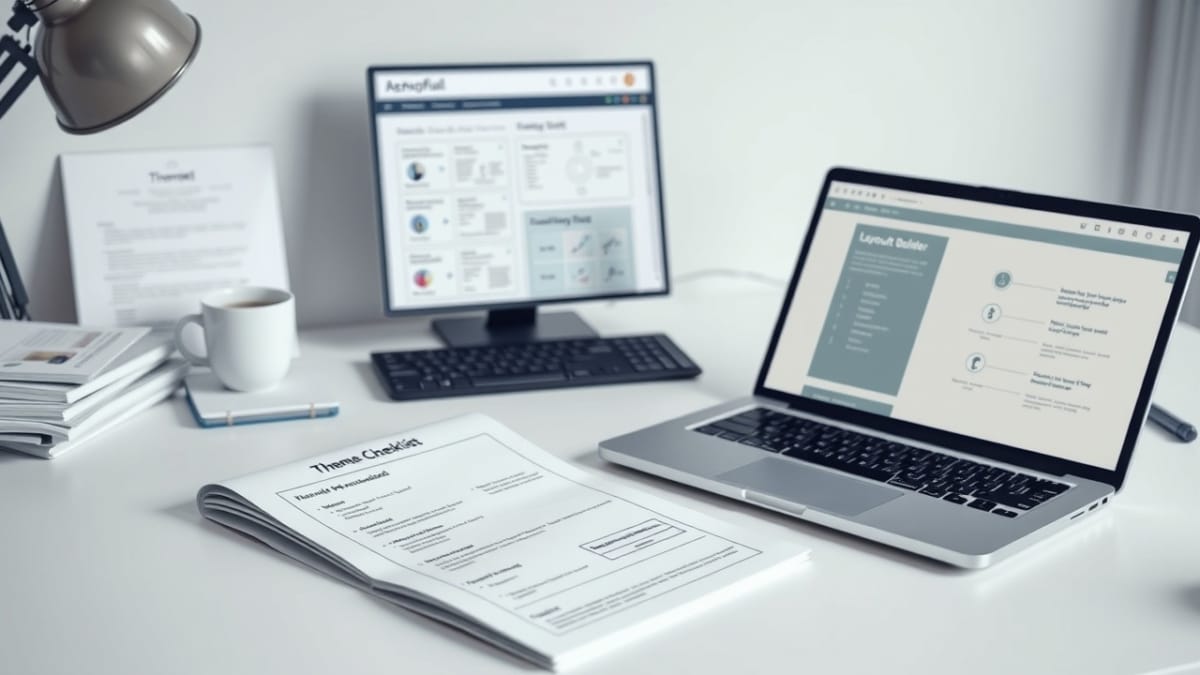
This checklist applies required theme‑level styles and system configuration within Bricks Builder that are not part of Global Styles.
These items enforce consistent structural behavior that templates and components rely on after a custom Bricks Theme Style exists. They are system defaults, not design choices.
Checklist Objective
Apply and lock required theme‑level styles and system configuration so Bricks templates and components behave predictably across the site.
Preconditions
- Bricks — Breakpoints Definition Checklist is completed and approved
- Bricks — Global Styles System Checklist is completed and approved
- A Bricks Custom Theme Style exists (imported or created)
- No templates or components rely on custom theme styles yet
Checklist Steps — Theme‑Level Styles
1. Verify a custom Bricks Theme Style exists
- Navigate to Bricks → Settings → Theme Styles
- Confirm a custom Theme Style is present
- If no Theme Style exists:
- Pause here
- Complete Bricks — Import or Create a Custom Theme Style
- Return to this checklist after completion
2. Identify required non‑Global style defaults
- Review system behavior not covered by Global Styles
- Identify styles that must apply site‑wide regardless of template
- Examples include:
- Default element spacing behavior
- Container constraints required for layout consistency
- Structural defaults needed by all templates
3. Apply required theme‑level styles
- Apply required styles within the active Bricks Theme Style
- Use Bricks‑supported mechanisms only
- Avoid inline, page‑level, or element‑specific overrides
- Ensure styles apply site‑wide by design
4. Validate interaction with Global Styles
- Confirm no overlap with defined Global Styles
- Confirm no duplicate definitions exist
- Validate expected inheritance behavior
Checklist Steps — System Configuration
5. Review theme‑level configuration options
- Navigate to Bricks → Settings
- Review configuration options that affect all templates
- Avoid enabling features not required by the documented system
6. Lock system configuration
- Document which settings are intentionally enabled
- Treat these settings as stable defaults
- Do not change configuration during template or component work
Required Output
- Required theme‑level styles applied intentionally
- No overlap with Global Styles
- System‑level configuration documented and locked
- Templates and components can rely on consistent behavior
Pause & Lock
Required theme styles and system configuration are now locked. Templates and components may now be created against this baseline.
Proceed to: Bricks — Page Template Definition